Logs and health
Inspect runtime logs and health summaries.
Runtime logs come from application stdout and stderr. They are useful for startup failures, port mistakes, missing configuration, and runtime exceptions.
Logs help answer:
- Did the app start?
- Did the start command run?
- Is the listener port correct?
- Is configuration or an environment variable missing?
- Did application code throw at runtime?
Logs do not prove domain ownership or certificate readiness. DNS and TLS issues belong in access and certificate status.
Health summaries combine deployment, runtime, health policy, proxy, and public access observations to guide retry, repair, or rollback.
Health summaries should include:
- Latest deployment status and failed phase.
- Runtime process state.
- Latest runtime-control attempt status when the planned Phase 7 controls are active.
- Health profile and latest check result.
- Network profile and proxy target.
- Generated access status.
- Custom domain and TLS readiness summary.
Retained health history is read through resources.health-history. It returns
ResourceHealthSummary snapshots that an internal observer has already recorded, without running
live probes, deployments, restarts, or policy changes.
Runtime controls are a planned Phase 7 capability for stopping, starting, or restarting the current runtime instance for one resource. They only affect current process or container state. They do not delete resources, deployment history, storage, dependency bindings, routes, certificates, logs, or audit data.
When runtime controls are available, Web, CLI, and HTTP API surfaces should use the same resource-level operations:
resources.runtime.stop: stop the current runtime instance.resources.runtime.start: start the last stopped instance from retained safe runtime metadata.resources.runtime.restart: stop and then start the current runtime.
The latest runtime-control attempt status belongs in the health summary. If there is no runtime-control attempt, or the feature is not active yet, the health summary should omit that section.
Restart does not re-run detect, plan, build, pull a new artifact, refresh source, refresh configuration or secrets, apply resource profile changes, attach storage, bind dependencies, update domains, or issue certificates.
After changing source, environment variables, secrets, runtime profile, network profile, access profile, health profile, storage, or dependency bindings, use redeploy, retry, rollback, or recovery readiness instead of restart.
Start can only use retained safe runtime metadata for the same resource. It is blocked when runtime metadata is missing, stale, or unsafe, the resource is archived or deleted, another deployment is mutating the same resource-runtime scope, or current profile drift needs acknowledgement.
When start is blocked, inspect the health summary blocked reason, then choose one of:
- Run redeploy so the latest source, config, and profiles produce a new deployment.
- Check recovery readiness to decide whether retry, redeploy, or rollback is safer.
- Inspect runtime logs for diagnostics left by the previous runtime.
The Web console should place logs and health near resource or deployment details. Users should not need raw server logs to understand deployment result.
The CLI should expose logs and health summaries for SSH and CI workflows.
The HTTP API should return paginated logs, health summary, and structured status for automation.
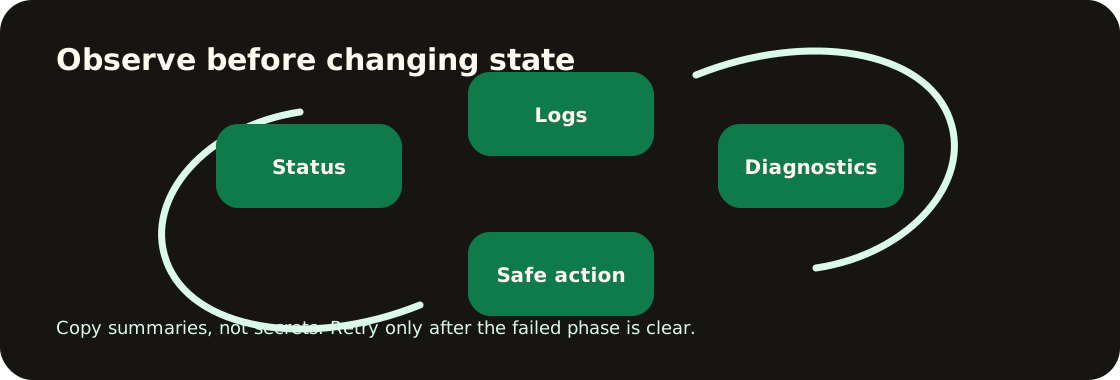
After a deployment, an agent should use logs and health summaries as the follow-up entrypoints instead of sending the user to raw server logs. Recommended commands:
appaloft deployments timeline <deploymentId>;appaloft resource diagnose <resourceId>;appaloft deployments recovery-readiness <deploymentId>.
If the access URL is unavailable, read those structured signals before suggesting the next action.
Common decisions:
- Logs show port conflict: fix network profile or start command.
- Logs show missing variable: fix environment variables and redeploy.
- Health check times out: adjust health path, timeout, retries, or start period.
- App is healthy but generated access fails: inspect proxy readiness and access route.
Related pages: Health and network profiles and Generated access routes.
CLI examples:
appaloft resource logs res_web --tail 100appaloft resource health res_web --checks --public-access-probeHTTP API example:
GET /api/resources/res_web/runtime-logs?tailLines=100