

Source and runtime profiles
Source profile
The source profile tells Appaloft where to read the application from. It belongs to the resource, not to one temporary deployment request.
Existing entrypoints should cover:
- Local folder or current workspace source.
- Git repository, ref, and base directory.
- Source snapshot provided by automation.
- Image, static site, or Compose source summaries.
After source profile changes, new deployments read the new source. Completed and running deployments keep their own deployment snapshots. Saving the source profile does not pull source, create a deployment, or restart the current runtime.
Runtime profile
The runtime profile describes how Appaloft should run the resource. It includes install, build, start, static output, container naming intent, and runtime strategy.
Users should be able to configure or observe:
- Install and build commands.
- Start command or image entrypoint.
- Static site publish directory.
- Runtime strategy, such as auto, Docker/OCI, or static publishing.
- The expected listener port, confirmed in the network profile.
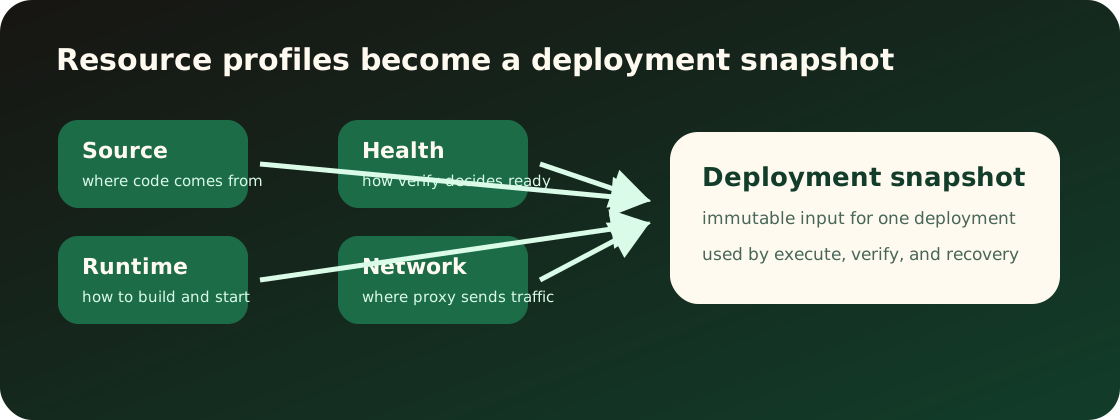
During deployment, Appaloft combines source and runtime profiles into a runtime plan. The plan should explain what will run instead of exposing internal structures.
Saving the runtime profile is a durable resource profile edit. It only changes planning input for future deployments. It does not edit historical deployment snapshots or immediately restart, rename, or replace a running workload.
Source and runtime fit
If source and runtime settings clearly conflict, users should see actionable correction guidance before deployment.
Common mismatches:
- Static site without a publish directory.
- Git repository with no detectable build evidence and no runtime profile.
- Image source combined with source build commands.
- Application listener port does not match the network profile.
Entrypoints
The Web console should show source/runtime profile in resource creation and resource configuration screens with field-level help.
The CLI should map resources create, resources configure-source, and resources configure-runtime arguments to the same concepts. Interactive prompts may ask for missing fields, but they should not rename the concept.
The HTTP API should reuse resource configuration schemas and avoid transport-only source/runtime shapes.
Verify the configuration
After configuration, inspect resource details for the source/runtime summary. The next deployment writes these profiles into its deployment snapshot, while old deployment details keep the values captured at the time. If deployment fails, detect failures usually point to source, while plan failures usually point to source/runtime/profile mismatch.
CLI examples:
appaloft resource configure-source res_web \ --kind git-repository \ --locator https://github.com/example/web \ --git-ref main \ --base-directory apps/webappaloft resource configure-runtime res_web \ --strategy static \ --build-command "bun run build" \ --publish-directory distHTTP API example:
POST /api/resources/res_web/runtime-profileContent-Type: application/json
{  "strategy": "static",  "buildCommand": "bun run build",  "publishDirectory": "dist"}